Computer Furniture

Hertz Furniture offers a wide range of computer furniture to help students and employees work efficiently and comfortably. What should you have in a computer lab? It's a good idea to start with adjustable computer chairs and tables. Whether you need computer desks or a laptop stand, we can provide your school or office with furniture suitable for a high-tech environment.
Sturdy and functional designs ensure that our computer furniture is practical and long-lasting. For increased comfort, we offer a line of ergonomic computer furniture. Be sure to check our collection of laptop carts to help you keep your equipment organized and safe.
Whether you need computer furniture for a professional or educational environment, it is important to ensure that you are facilitating healthy positioning. When a person spends many hours typing and looking at a monitor, being in the wrong position can have negative long-term effects. The neck, back and hand pain that often results from incorrect typing and sitting can lead to missed days of school and work, difficulties with writing and even surgery.
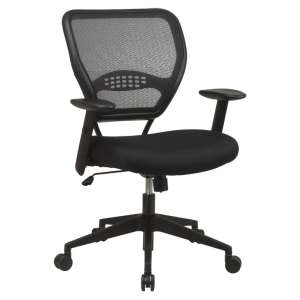
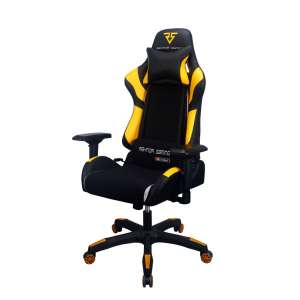
Our computer chairs are designed to help students and professionals sit properly so they can work at computers for long periods of time without experiencing pain, discomfort or inconvenience. We have a range of styles, so you can find great choices in any price range. Because everyone is built differently, it is important for a computer chair to be adaptable to many body types. Ergonomic office chairs include many adjustable features that create a custom fit for each person.
The style of a task chair can contribute a lot to the office environment. Leather office chairs have a luxurious and elegant feel that provides ergonomic padding as well as a high-class professional appearance. Mesh task chairs have great ventilation and a more modern style that will work well in a training room or computer lab. Our computer chairs come in many different upholstery colors so they can be coordinated with wall hues and other computer lab furniture.
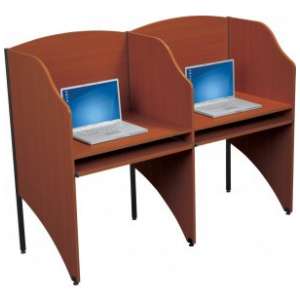
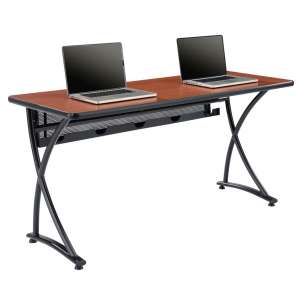
Of course, in order to facilitate ergonomic positioning, you need more than great computer chairs. The height and arrangement of computer tables or computer desks can also affect comfort and positioning. Our computer tables come in a selection of styles with a number of great features that can really enhance a desktop user's experience.
Table legs come in three basic styles. The classic four-legged design provides proper support to the work surface and everything that rests upon it. If you are looking for an option that provides more legroom, T-legs are a good choice. Because training tables are usually positioned either against a wall or facing one direction, cantilever legs are another excellent option. They provide adequate support and maximum legroom.
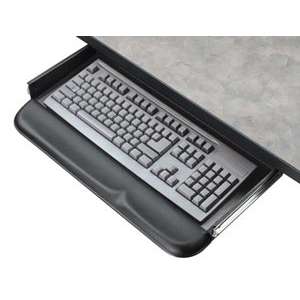
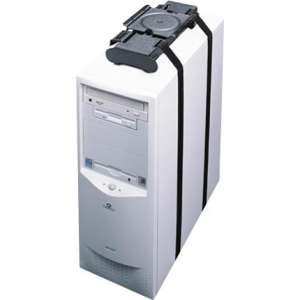
Desktop computers have a number of essential components and accessories, so it is important to make sure that computer tables can accommodate them appropriately. Many of our models from Academia, Balt and ABCO feature wire-management trays and grommets that make it easy to route cables to a power source and reduce desktop clutter. CPU holders on some computer desks keep the CPU in an upright and accessible position. Keyboard trays are always excellent to have because they leave a more open work surface and enable people to type in the correct position.
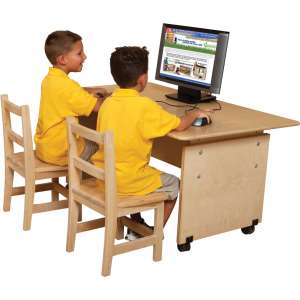
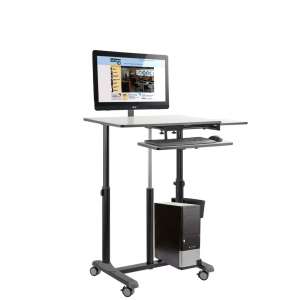
If you are looking for a more mobile solution, computer carts are the way to go. They offer great spaces for all PC components and can be rolled to any destination. Computer carts are great to have in schools where there is not a computer in every classroom. They enable teachers to have access to technology when they need it, even if there is not enough room in the budget to supply individual workstations for everyone. They also come in handy when executives are having a meeting in a personal office and a second desktop is needed.
Keep your institution up-to-date with the right technological support equipment. Laptop stands enable educators and guest speakers to give digital presentations with a very convenient setup. They are perfect for slideshows and other media that require a projector. They keep the computer screen at eye-level where the presenter can clearly see what is being projected behind them without turning their back to the audience.
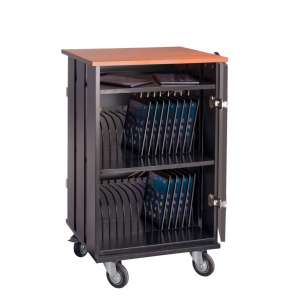
Many modern businesses and schools own a number of laptops for training and instructional purposes. Laptop carts will keep this valuable equipment secure when it is not in use. Their individual compartments keep each laptop in a safe position where it can be charged and stored. When computers are needed for seminars and classes, they can easily be removed from the carts, fully-charged and ready to use so you won't have to worry about plugging them in.
Many large companies, especially those with a lot of computers, have professionals who are in charge of making sure that all of the technology is functioning properly. LAN management stations make it easy for the technical-support staff to access the equipment they need to keep the network running smoothly. They are designed to support multiple CPUs as well as a monitor and keyboard.
Support your valuable equipment, and the people who use it, with Hertz Furniture's huge selection of computer furniture. With the right computer chair and computer table, you can transform any room into a comfortable work space. Great furniture will keep your equipment in great shape,while making your students and employees happy.